
























-
 Powerbox Pro Sales Area
Global (Excluding North America\Spain\Germany\Brazil) Diversion Control Check


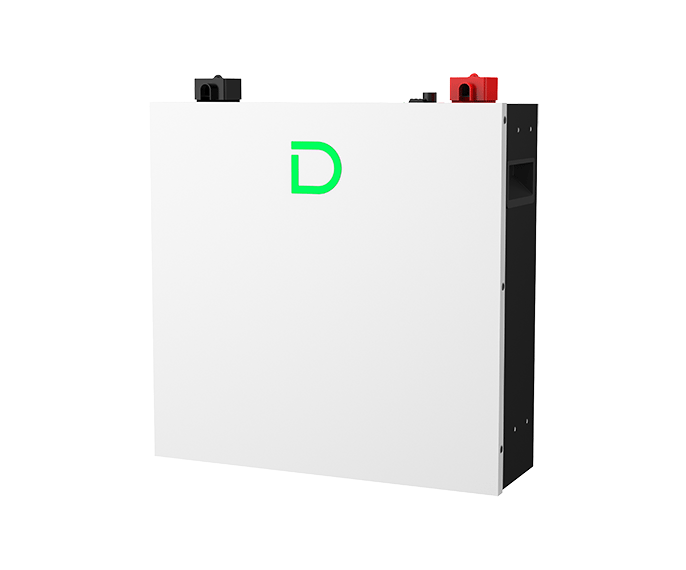
PowerBox Pro
- 10.24kWh
- up to 50 units in parallel
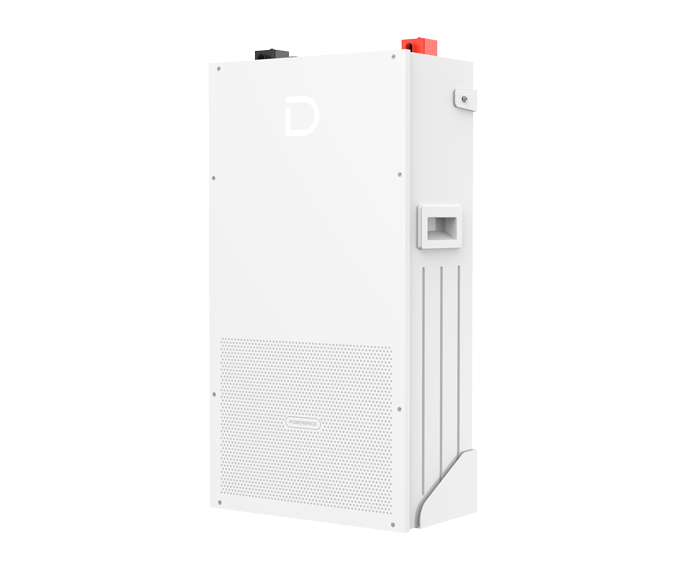
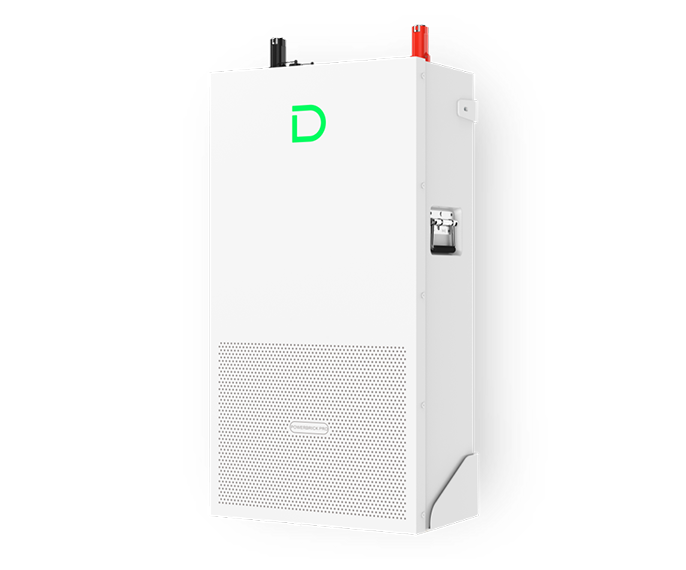
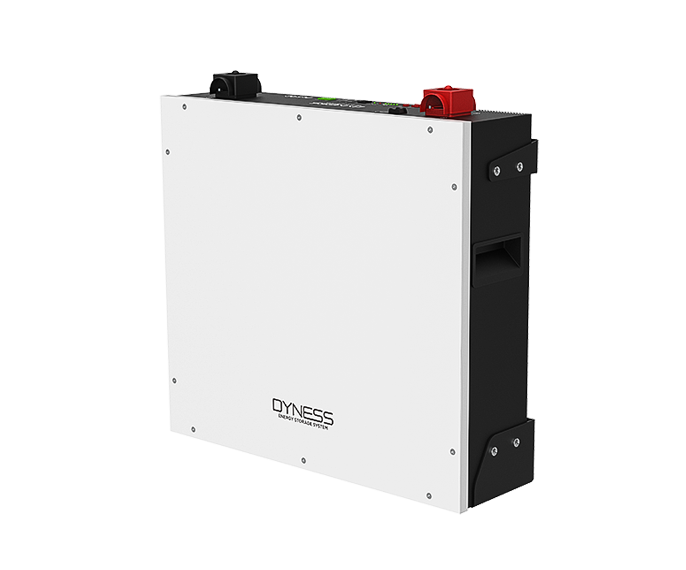
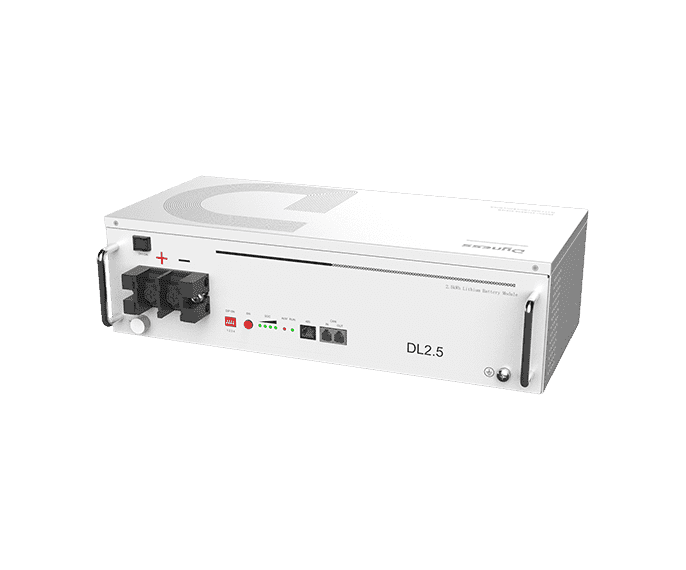
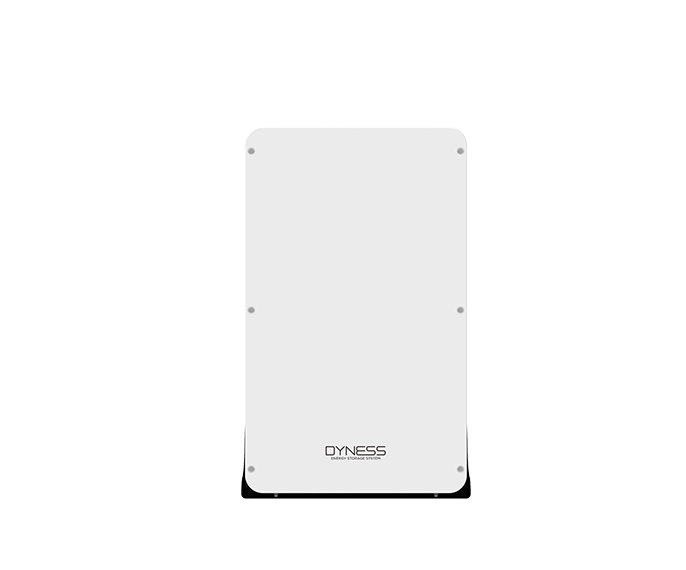
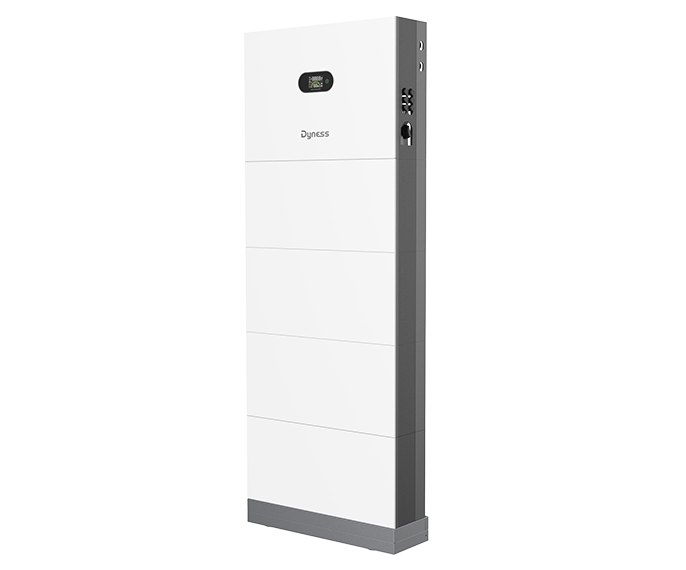
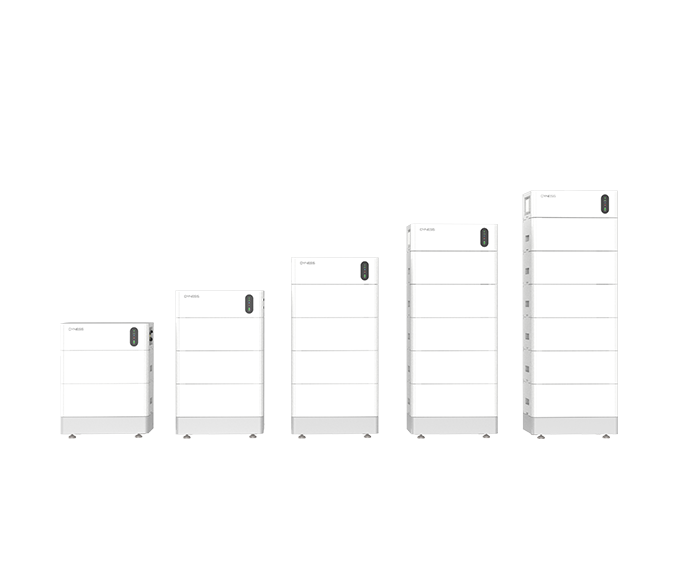
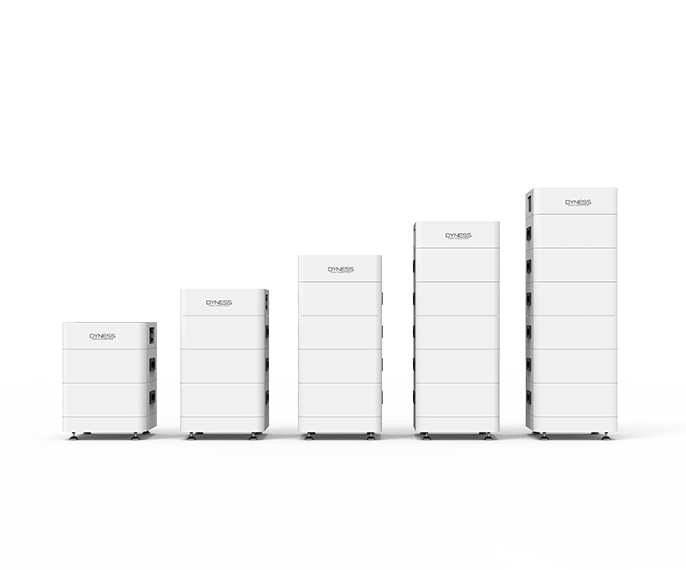
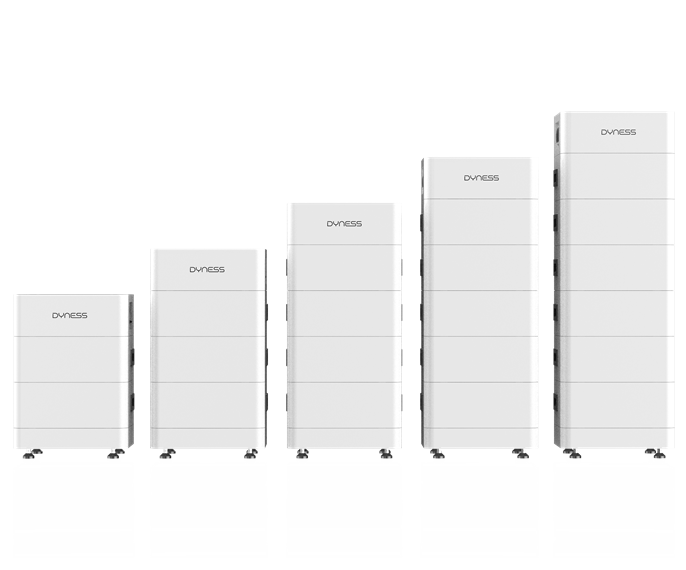
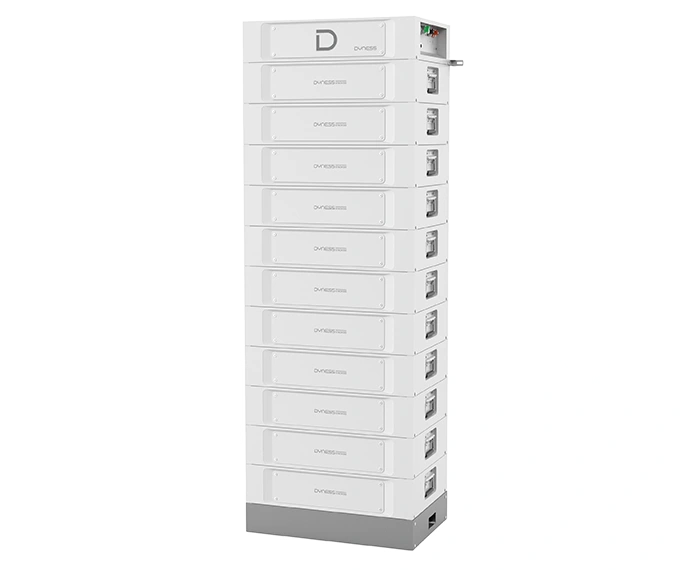
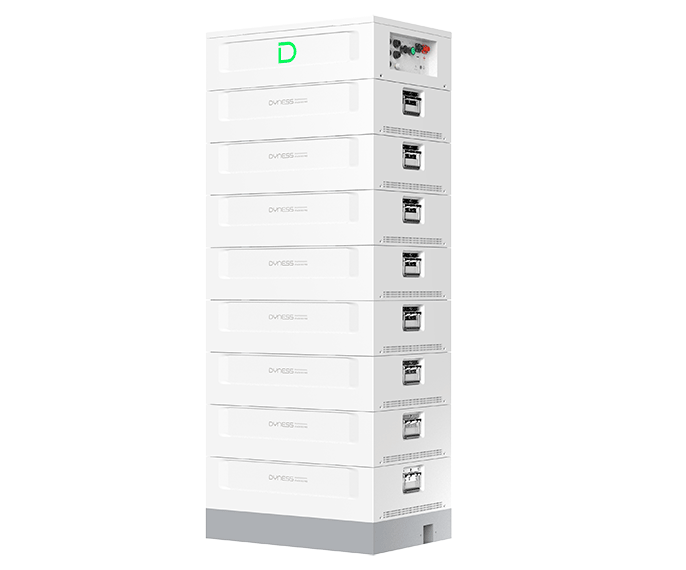
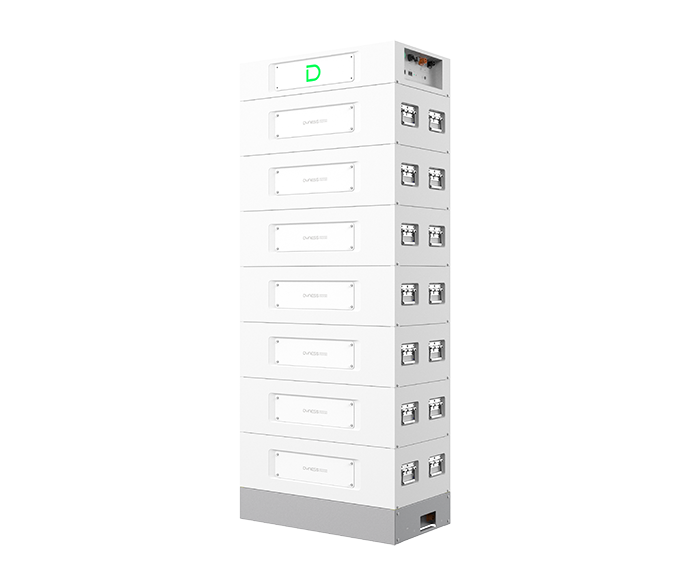
Powerbox Pro is a low-voltage product designed for household energy storage scenarios, supporting up to 50 units in parallel and a 10.24kWh--512kWh energy coverage. High protection level, high safety performance, easy installation, and stylish design to make it perfectly fit for the modern home.
Product Features
-


Flexible Expansion
Up to 50 units in parallel, 10.24kWh--512kWh capacity -

Easy Installation
Support wall-mounted, floor-mounted installations, high space utilization -

IP65 Protection
Fearless of outdoor insatallition, strong environmental adaptability -

Battery Equalization
Supports for mixing modules under different SOC to ensure battery life -

All-round Safety
Short-circuit lockout, surge-resistant, safe and reliable


Technical Specifications



-
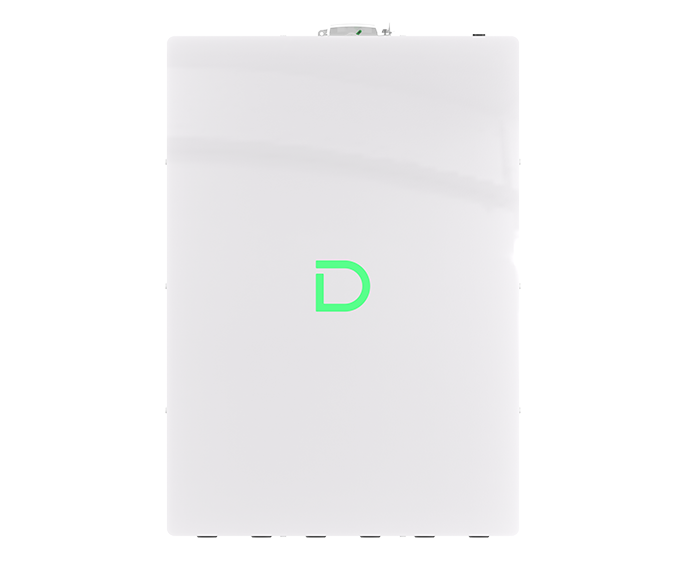
Product Model Powerbox Pro Battery Type LiFePO4 Nominal Battery Energy 10.24 kWh Net Weight 99.3kg Dimension[W*D*H] 555*210*928 mm Cycle Life ≥6000 Cycles Protection Level IP65 Expansion Up to 50 units in parallel


FAQ
-
Q: Does Dyness PowerBox Pro support CAN or BMS communication with an inverter?

A: Yes, Dyness PowerBox Pro can communicate with compatible inverters through the corresponding CAN or BMS communication protocol, usually using an RJ45 communication cable. The correct DIP setting, cable PIN definition, communication port, and inverter battery type must be configured according to the selected inverter model.
-
Q: Is additional protection equipment required when installing multiple Dyness PowerBox Pro batteries?
A: A system with multiple Dyness PowerBox Pro batteries may require suitable breakers, fuses, busbars, combiner boxes, and correctly sized cables based on the system current and local electrical standards. The protection design for Dyness PowerBox Pro should be completed by a qualified electrician or professional installer.
-
Q: Can Dyness PowerBox Pro be installed directly on the floor?
A: Yes, Dyness PowerBox Pro supports floor-mounted installation. The installation surface should be stable, level, dry, and capable of supporting the weight of Dyness PowerBox Pro, with sufficient clearance for ventilation, wiring, and maintenance.
-
Q: Why does Dyness PowerBox Pro not charge fully or show abnormal SOC readings?
A: Abnormal SOC readings on Dyness PowerBox Pro may be caused by the battery not reaching a full charge for an extended period, BMS protection, communication failure, incorrect inverter settings, or an abnormal breaker or cable connection. If the SOC of Dyness PowerBox Pro continues to fluctuate or drift, users should contact the original installer or local partner for system inspection.
-
Q: What may cause communication failure between Dyness PowerBox Pro and an inverter?
A: Communication failure with Dyness PowerBox Pro may be caused by an incorrect or damaged communication cable, wrong cable PIN definition, incorrect DIP settings, unsuitable communication ports, missing CAN termination, or incorrect inverter battery settings. Users should verify that the inverter is compatible with Dyness PowerBox Pro and follow the corresponding installation instructions.
Typical Case



Product Inquiry
-
Buy Products
-
Become a Partner
-
After-sales