





















All-in-One Home Battery Backup Systems vs. Split Modular Layouts


Get notified about new updates, products, tips and tutorials. No spam.
Home Battery Backup Systems should not be selected only by capacity. Buyers also need to consider layout, installation space, future expansion, maintenance access, and how the system will support daily energy use.
The key comparison is between all-in-one systems and split modular layouts. All-in-one systems place key functions in one integrated unit, while split modular layouts arrange battery capacity through separate modules. This guide compares both layouts and uses our Tower Pro as a practical example of a modular high-voltage residential battery system.

All-in-one and split modular layouts serve different needs
All-in-one systems are built for integration, while split modular layouts are built for flexible sizing. The right option depends on whether the buyer values compact form or long-term expansion.
| Layout type | Main value | Main limitation | Suitable buyer |
| All-in-one layout | Cleaner product form | Less flexible if demand grows | Homes with stable backup needs |
| Split modular layout | Capacity can be adjusted | Requires more planning | Homes with changing energy needs |
All-in-one systems can be easier to understand because the system looks like one complete cabinet. This works well when the user already knows the expected backup load.
However, fixed sizing can become a problem when electricity demand changes. For example, a household may later add more appliances, a larger solar system, or longer backup expectations.
Split modular layouts solve this issue in another way. They allow buyers to plan capacity in stages instead of choosing one fixed size from the beginning.
Dyness Tower Pro shows how a modular layout works
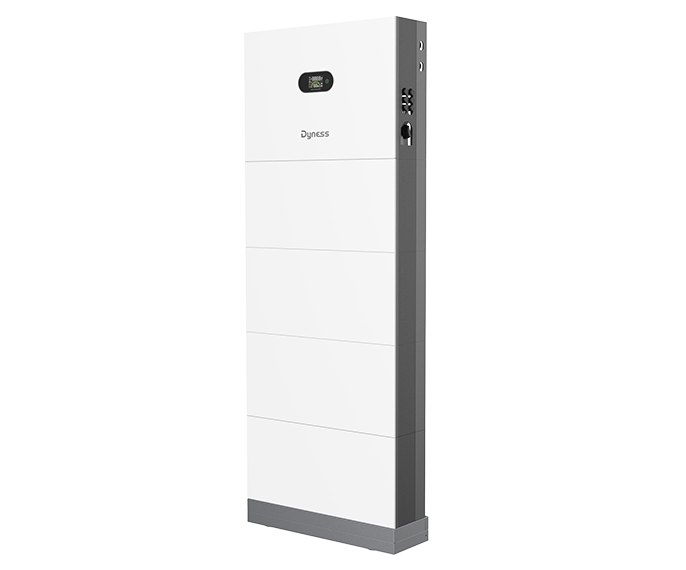
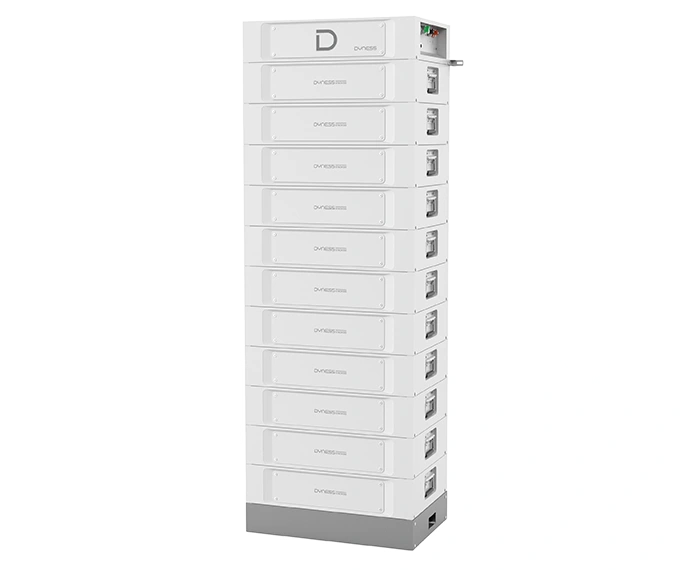
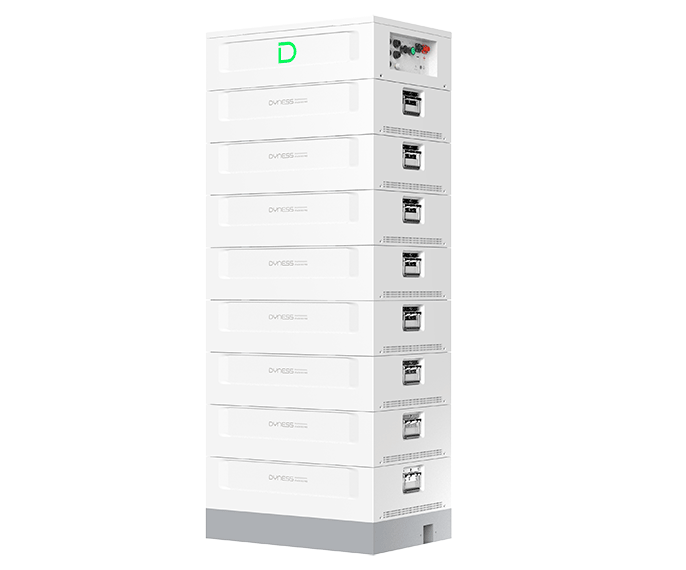
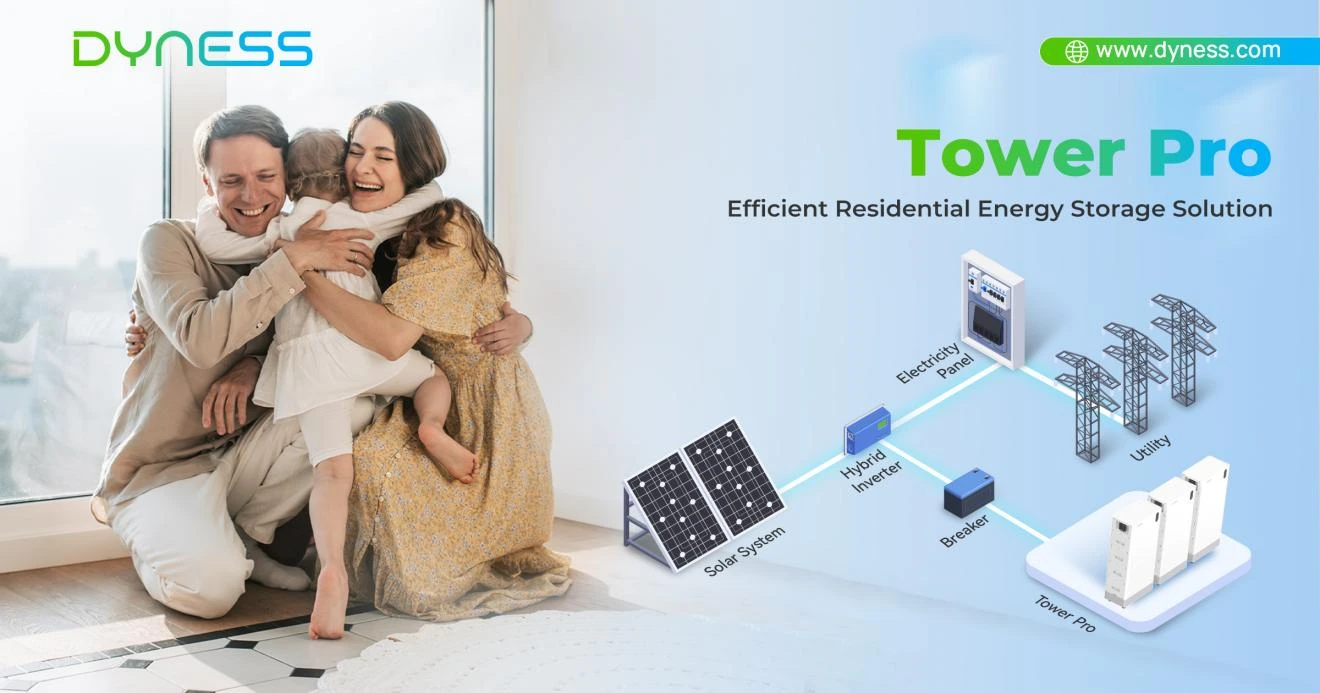
Dyness Tower Pro is a high-voltage residential energy storage product based on expandable modular design. It uses LiFePO4 battery technology and supports 2 to 6 modules in one tower configuration.
According to our product information, Tower Pro offers 7.68 kWh to 23.04 kWh in a single tower configuration. It also supports up to 12 clusters in parallel, with a maximum expandable capacity of 276.48 kWh.
Buyers comparing our home energy storage solutions can use Tower Pro as a focused example of split modular design.
| Tower Pro feature | Official information | Practical meaning |
| Battery type | LiFePO4 | Suitable for residential storage use |
| Energy range | 7.68–23.04 kWh | Several capacity choices |
| Module design | 2–6 modules | Flexible configuration |
| Parallel expansion | Up to 12 clusters | Supports larger capacity planning |
| Protection level | IP55 | Supports indoor and outdoor installation |
| Cycle life | ≥8000 cycles | Supports long-term use planning |
A Tower Pro case in the Netherlands shows how this modular layout works in real home use. In the suburbs of Amsterdam, a family of three selected a 23.04 kWh Tower Pro system with a high-voltage residential solar setup. The case shows the value of storing solar energy during the day and using it at night for lighting, heating, and household appliances, especially during cloudy winter periods when solar generation is lower and grid pressure may increase.


Capacity planning becomes easier with one modular series
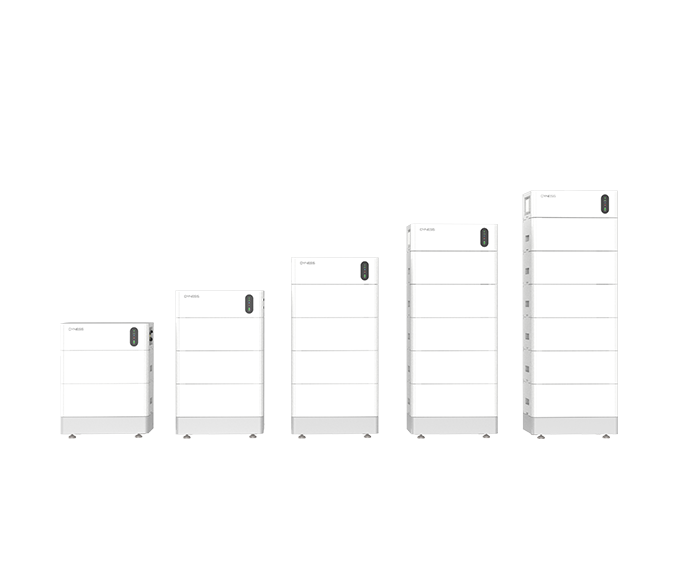
Capacity planning becomes easier when the same product series offers several model sizes. Tower Pro provides a clear model path based on module quantity.
| Tower Pro model | Module quantity | Rated energy |
| TP7 | 2 modules | 7.68 kWh |
| TP11 | 3 modules | 11.52 kWh |
| TP15 | 4 modules | 15.36 kWh |
| TP19 | 5 modules | 19.2 kWh |
| TP23 | 6 modules | 23.04 kWh |
This helps buyers avoid choosing capacity only by guesswork. Instead, they can start with real backup needs, available space, and possible future expansion.
For a smaller household, a lower-capacity model may be enough for selected backup loads. For a larger home, more modules may support broader energy use.
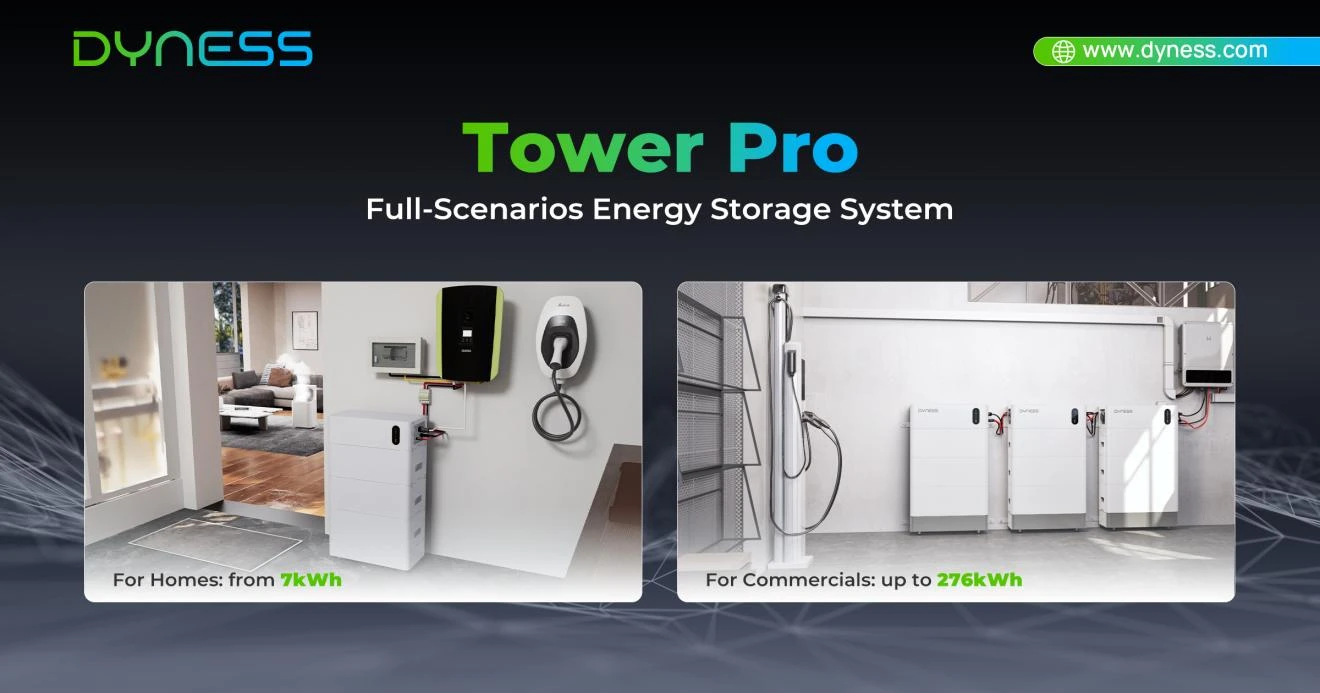
For distributors and installers, one modular series also makes project discussion easier. Different customers can compare several configurations within the same product family instead of moving between unrelated systems.
Installation and maintenance should influence the layout choice
Installation and maintenance affect whether a Home Battery Backup System remains practical after purchase. A simple product appearance does not always mean simple long-term use.
Our product information describes Tower Pro as using stackable modules with auto-configuration support. The official page also highlights easier installation and maintenance.
This matters because installers need to handle physical placement, system configuration, and future service access. A modular layout can make these steps more predictable when the site has changing capacity needs.
Stackable design supports clearer space planning
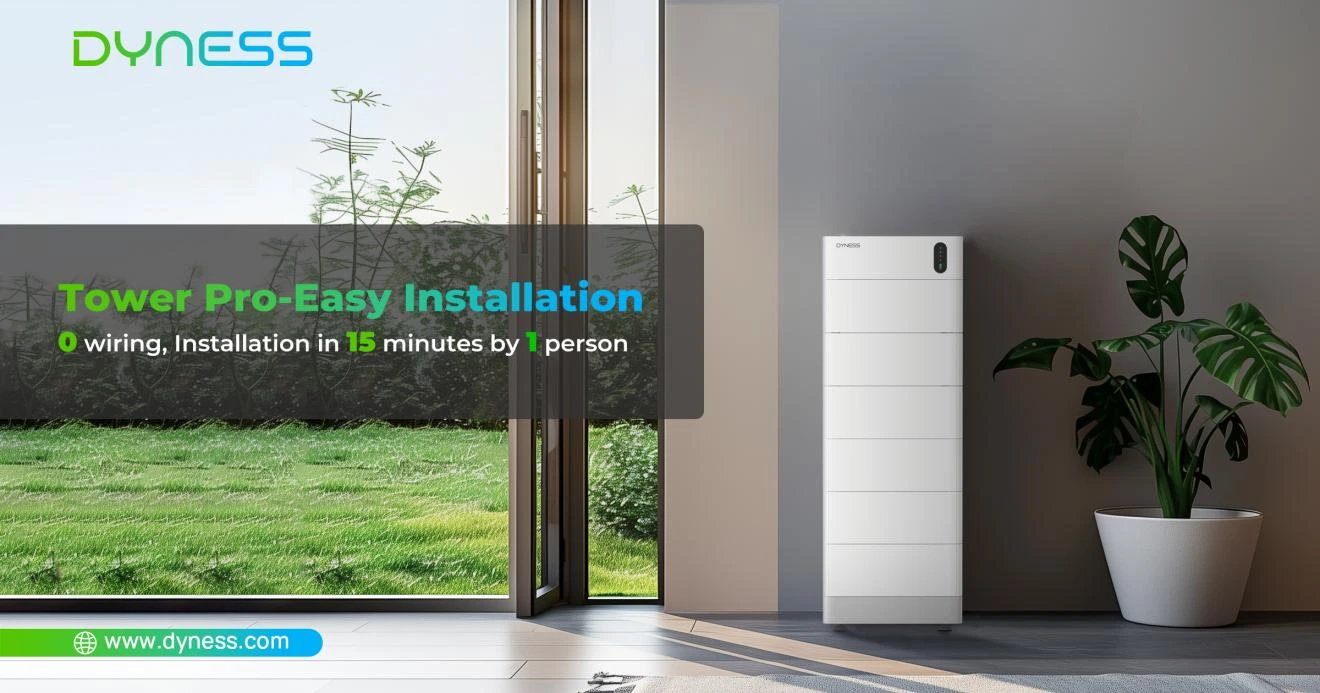
Stackable design supports clearer space planning because capacity is built vertically through modules. This can help buyers plan the system footprint more efficiently.
The official specifications show that Tower Pro models share the same width and depth, while height and weight change with module quantity. This makes site planning more consistent across different capacity levels.
For example, the TP7 model is smaller than higher-capacity models because it uses fewer modules. As more modules are added, the tower becomes taller and heavier.
Indoor and outdoor placement adds flexibility
Indoor and outdoor placement adds flexibility because buyers are not limited to one installation environment. Our specifications list Tower Pro with an IP55 protection level and indoor and outdoor installation support.
This does not mean the system can be placed anywhere without review. The site still needs suitable space, safe access, compatible equipment, and professional installation.
However, this placement flexibility gives buyers more options when planning residential battery storage.
Different buyers should prioritize different layout factors
Different buyers should focus on different decision factors because backup needs are not the same across homes, distributors, and light commercial projects.
| Buyer type | Main concern | Layout priority |
| Household user | Backup power and solar storage | Right-sized capacity |
| Installer | Installation and service process | Consistent modular structure |
| Distributor | Serving varied customers | Multiple models in one series |
| Light commercial user | Larger backup expectation | Expansion potential |
Household users should begin with the appliances and circuits they want to support. This keeps the purchase practical and avoids choosing capacity only by model size.
Installers should focus on wiring, placement, and future maintenance access. A modular structure can support a clearer workflow when projects vary by capacity.
Distributors may value this residential battery storage series because it covers multiple model options under one product logic.
Conclusion: the best layout follows real energy use
A suitable home battery backup system layout should match today’s load and tomorrow’s possible changes. All-in-one systems may suit compact projects with stable energy needs, while split modular layouts fit buyers who want staged capacity planning.
Dyness Tower Pro is a useful example of the modular side. It offers 7.68 kWh to 23.04 kWh in one tower configuration, supports 2 to 6 modules, uses LiFePO4 battery technology, and can expand through parallel connection.
Before choosing a layout, buyers should confirm four things: required backup loads, expected runtime, available installation space, and future expansion plans.
Once these points are clear, the decision becomes more practical. The goal is not to choose the largest battery, but to choose a system layout that fits real energy use and leaves enough room for future demand.
FAQ
-
Q: What is the difference between an all-in-one and a modular home battery system?

A: An all-in-one system integrates key energy storage functions into a more compact unit, while a modular system uses separate battery modules that allow capacity to be configured and expanded according to changing energy needs.
-
Q: Which home battery layout is better for future expansion?
A: A modular layout is generally better suited to staged capacity planning because additional modules or parallel clusters can be added when supported by the product design and installation requirements.
-
Q: How should homeowners choose the right battery capacity?
A: Homeowners should consider the loads they want to support, expected backup duration, solar generation, available installation space, and possible future increases in electricity demand.
-
Q: Can Tower Pro be expanded after installation?
A: Tower Pro uses a modular configuration with 2 to 6 battery modules per tower and supports up to 12 clusters in parallel. Expansion should still follow Dyness installation, compatibility, and commissioning requirements.
-
Q: Can Tower Pro be installed outdoors?
A: Tower Pro has an IP55 protection level and supports indoor and outdoor installation. The final location should still meet applicable installation, access, equipment compatibility, and environmental requirements.
Learn More